
When need to adjust the hand
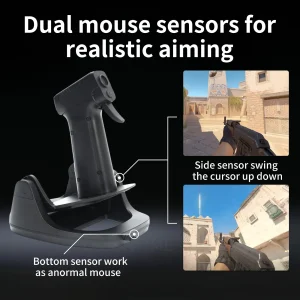
Lift the rear bottom just a bit off from the desktop
Do not lift the front bottom of the mouse
This can stop the cursor movement
This is very similar to the use of a regular mouse
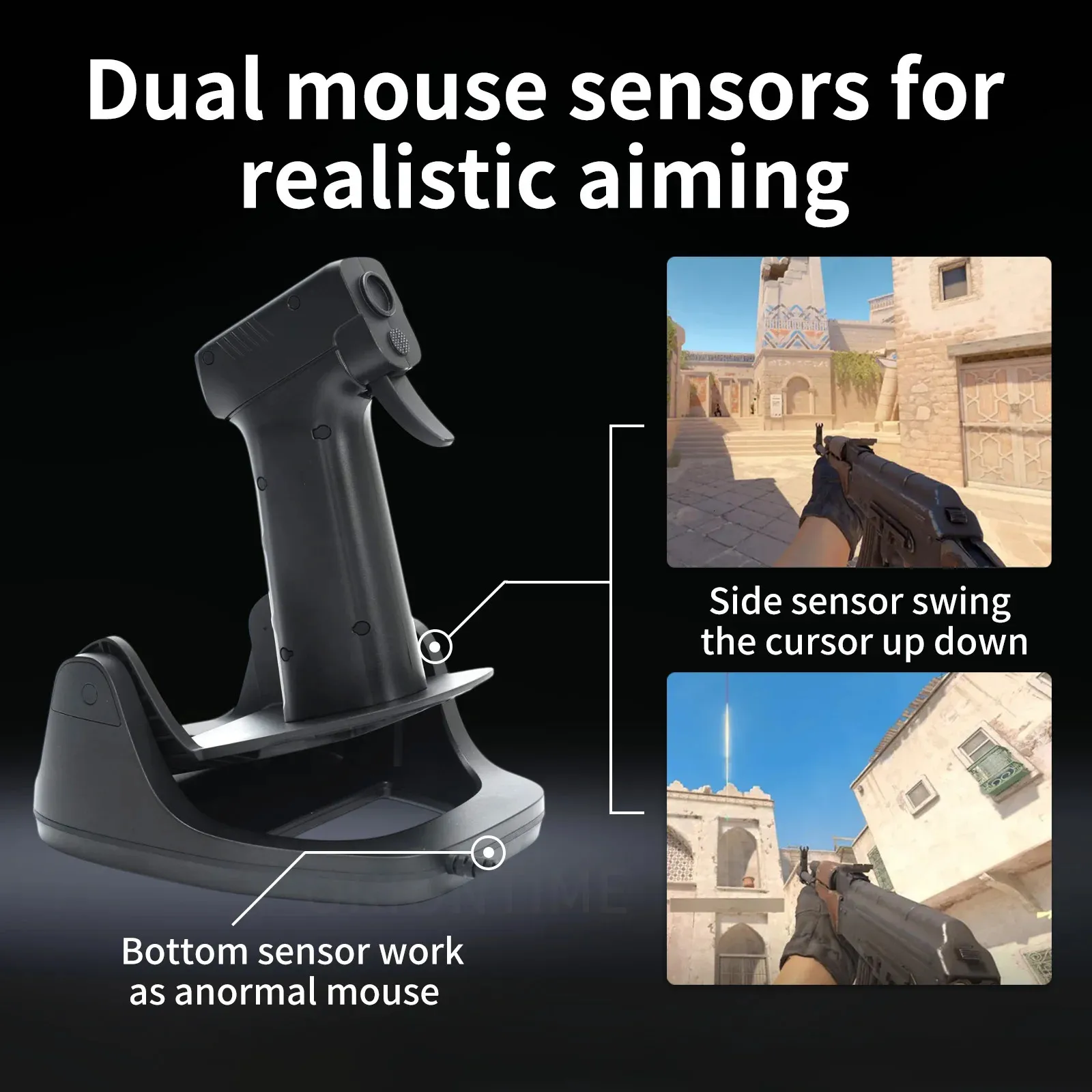
The same principle applies to the up and down swing adjustment
When the grip swings to the lowest position
Lift the mouse and then lower it
The grip will naturally return to a suspended state
Then you can swing down the grip again
The grip can be adjusted back and forth
Find a comfortable position for your hand
Tighten the screws from the bottom to secure
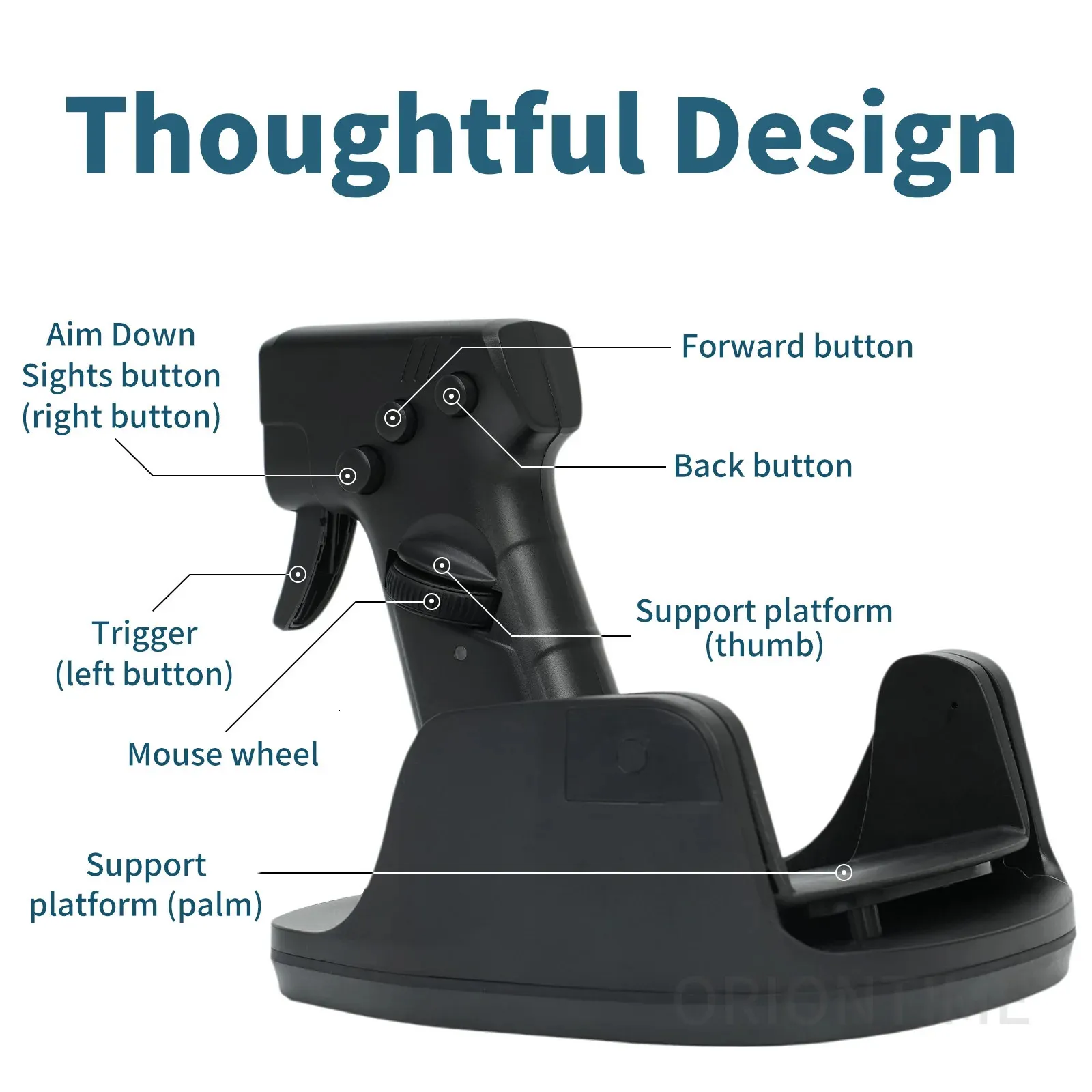
Left button adjusts horizontal sensitivity
Right button adjusts the swing up down sensitivity
Short on light indicates increase sensitivity
Long on light indicates the lowest sensitivity
Reviews
There are no reviews yet.